Configure Outlook/Hotmail/Live.com for Nexiwave
You can use a mailbox rule to forward Voicemail Emails to Nexiwave. This guide applies to email services provided by Microsoft, such as Outlook.com, Hotmail.com, Live.com and Office.com. This will add Nexiwave Voicemail Transcription service to your Hotmail.com, Live.com, Outlook.com or Office.com account.
Steps:
- Log into your email inbox.
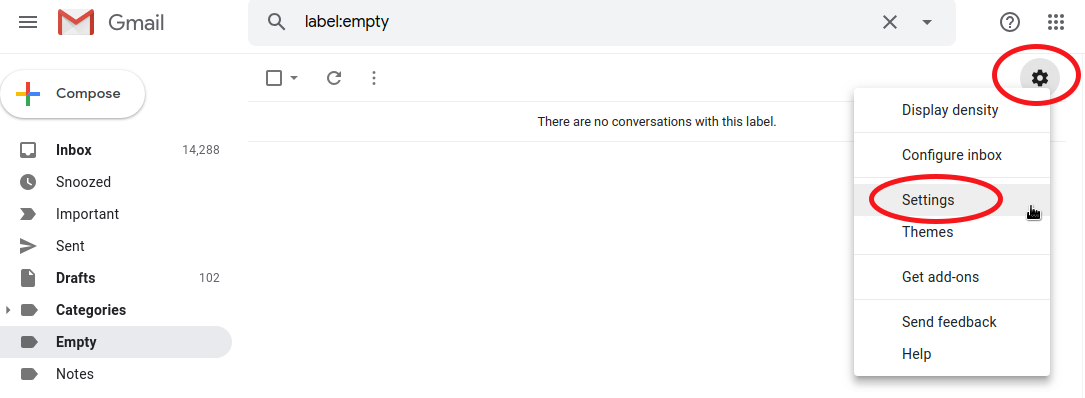
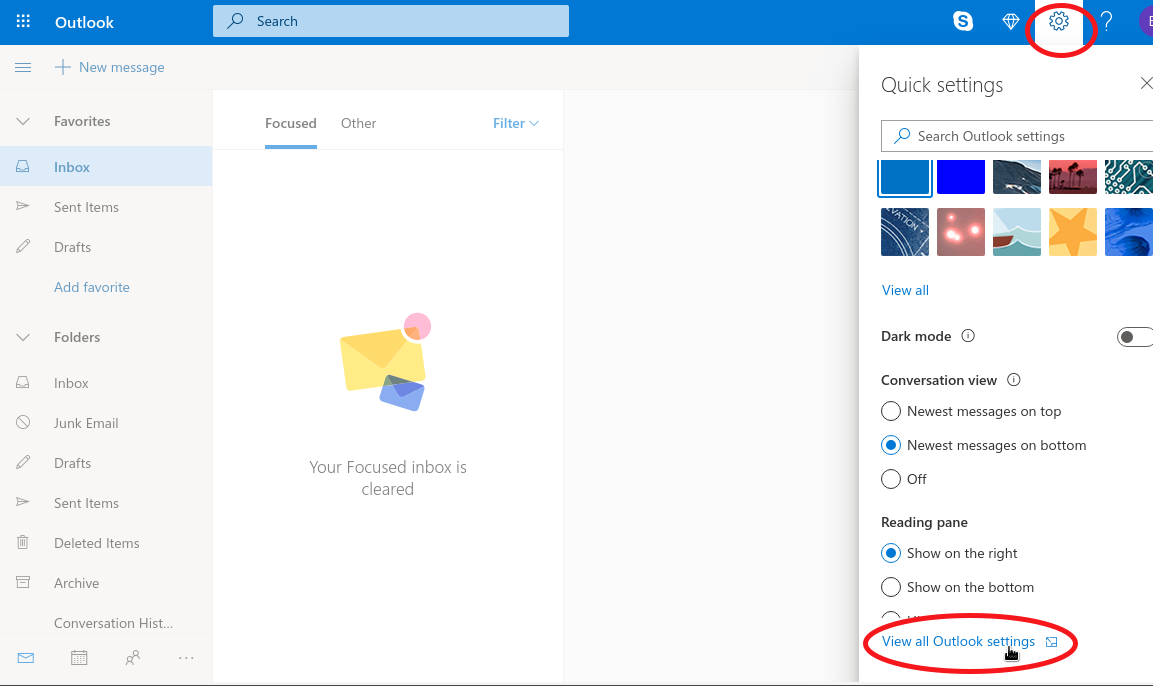
- Go to your mailbox settings:
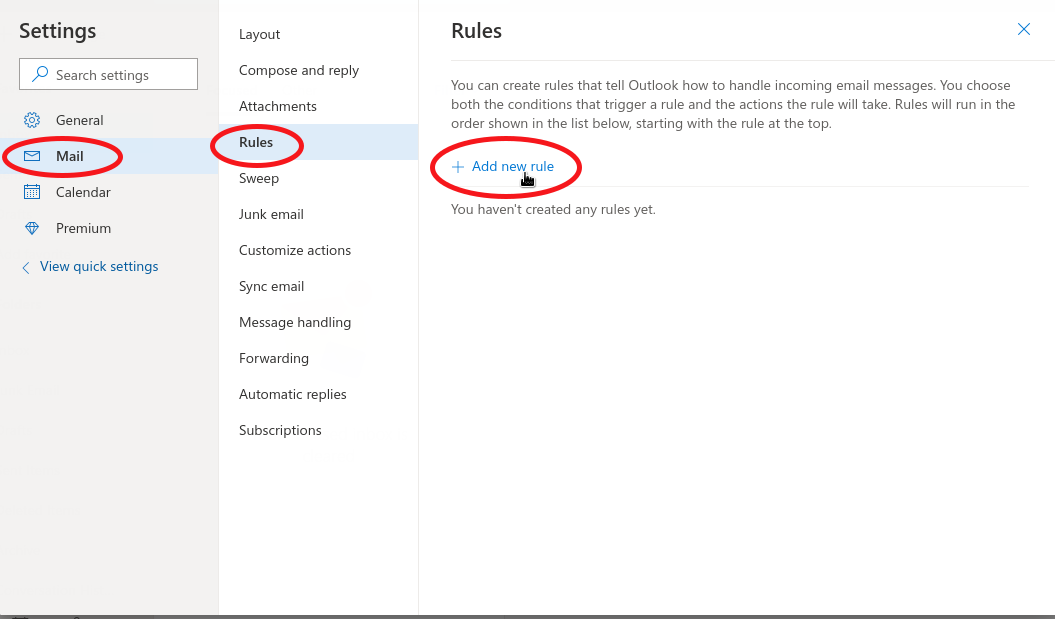
- Go to Mail -> Rules -> Add new rule:
- Add a rule like below. Note that you MUST change "Subject includes" and "From" condition. Configure "Forward to" action with .
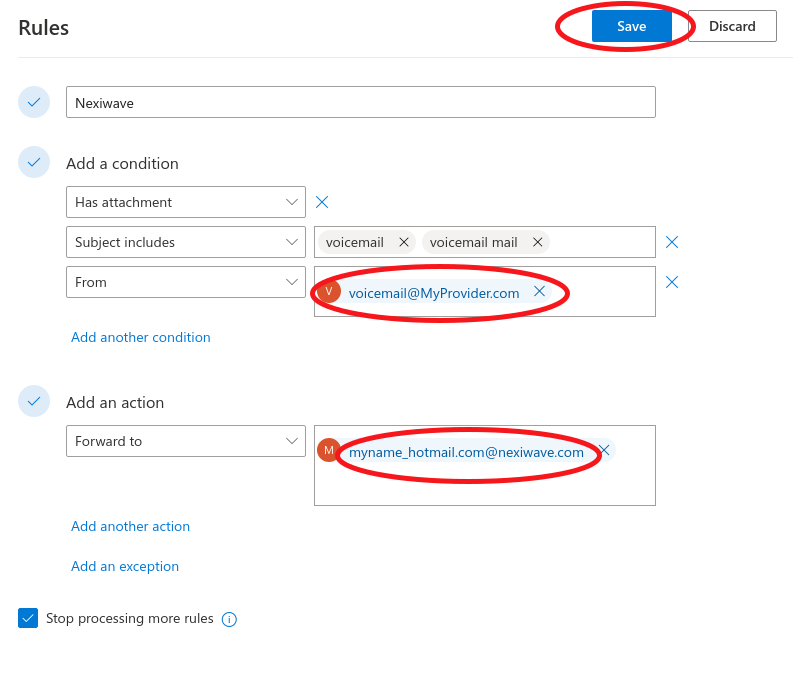
- After satisfied, click Save.